Extension of time (EOT): request it, review it or challenge it.
Give ploteer the updates, all of them at once, or every time you update. It reads what happened, when, and by whom, and puts the driving path back on the date it changed. Under FIDIC, NEC, the UAV 2012 or the UAV-GC 2005, the history a claim needs, on whichever side of the table you sit. Fogg reads it back to you.
Open the project.
The updates you already have.
Drop the baseline in.
Where the finish was heading.
Add an update, and the line answers.
What changed, and what it cost.
Why it moved, on the activity.
All the updates, one line each.
Rev.0 against Final, the whole history.
Every update, every reason, on the path.
The request, with its evidence.
- What happened in the schedule history, when, and by whom?
- You have a new critical path, but how many times did it change since?
- You had enough float at the beginning. How was it eaten?
- When did this activity start to drive the finish, and why?
- Was the reason written at the time, or is it remembered now?
- Was it a concurrent delay?
- A contractor's request for an EOT is on your desk. How do you review it, and where do you challenge it?
- Can you show all of it to people who do not read schedules?
- 1
Give ploteer the updates: all of them at once, or every time you update.
- 2
Note the events as they happen. Fogg drafts the notes. Keep them, edit them or add yours.
- 3
Click EOT and your dossier is ready to present.
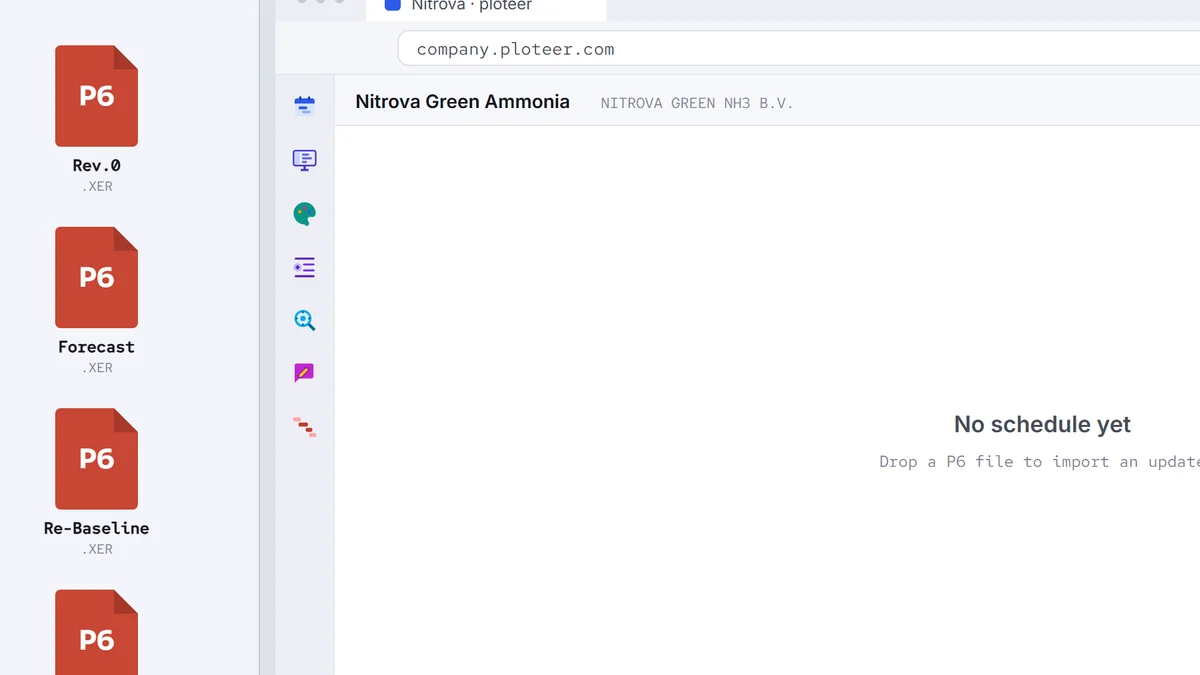
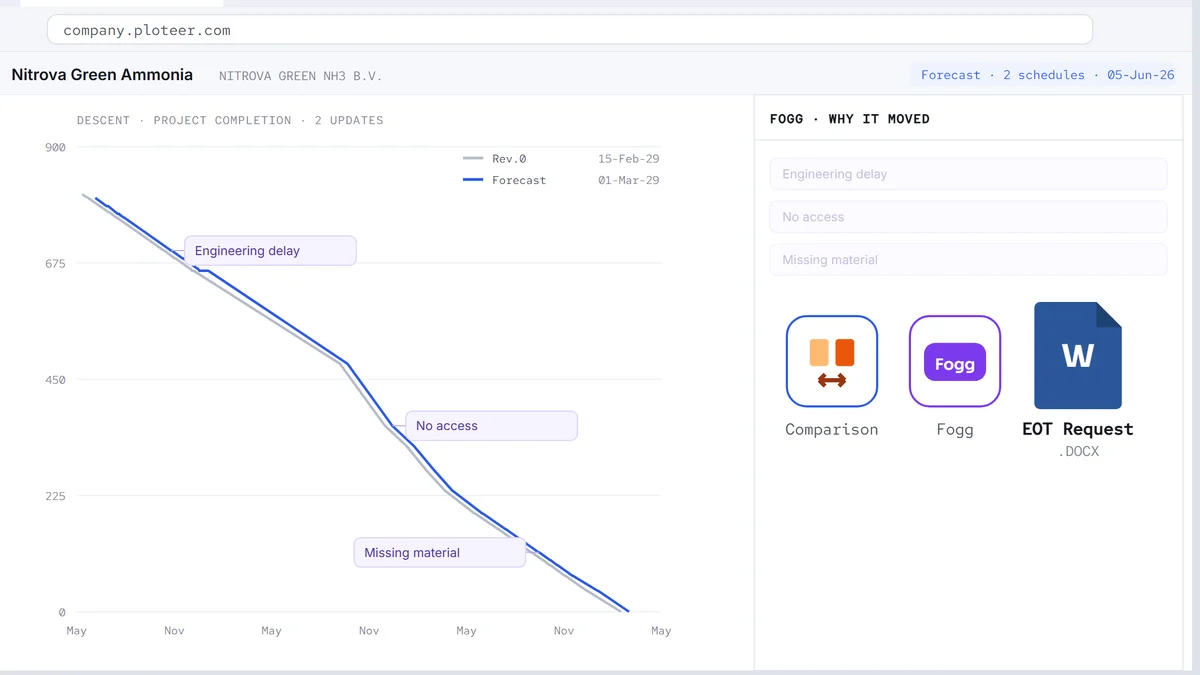
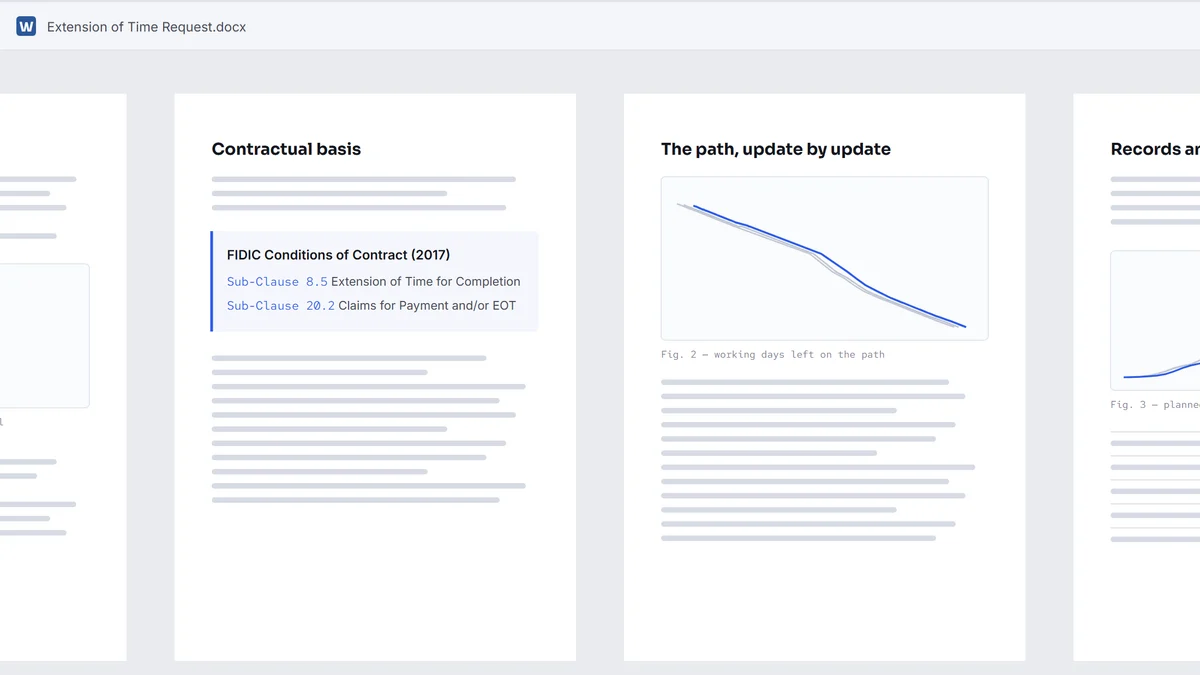
The notes and the flags follow their activities to the end of the project.
The dossier, from the updates you already have.
The hardest part of an extension of time (EOT) is not the argument. It is the proof: what happened, when, and by whom. Collected afterwards, it takes weeks, out of old files, old emails and memories. ploteer reads it from the updates themselves. Every update is kept, every change between two of them is found, and every note is dated and stays on its activity.
The dossier comes out ready to present. The account of the delay in plain words: the activities that carried it, when each one slipped, what drove it, whether another delay ran beside it, and the reason written at the time. Behind the account, the attachments: every update as it stood, the comparison between any two of them, the driving path and each revision of it, the notes, and Fogg's reading of each activity in question. A picture, a table or a presentation file, in seconds. Seeing this live, right in the schedule: precious.
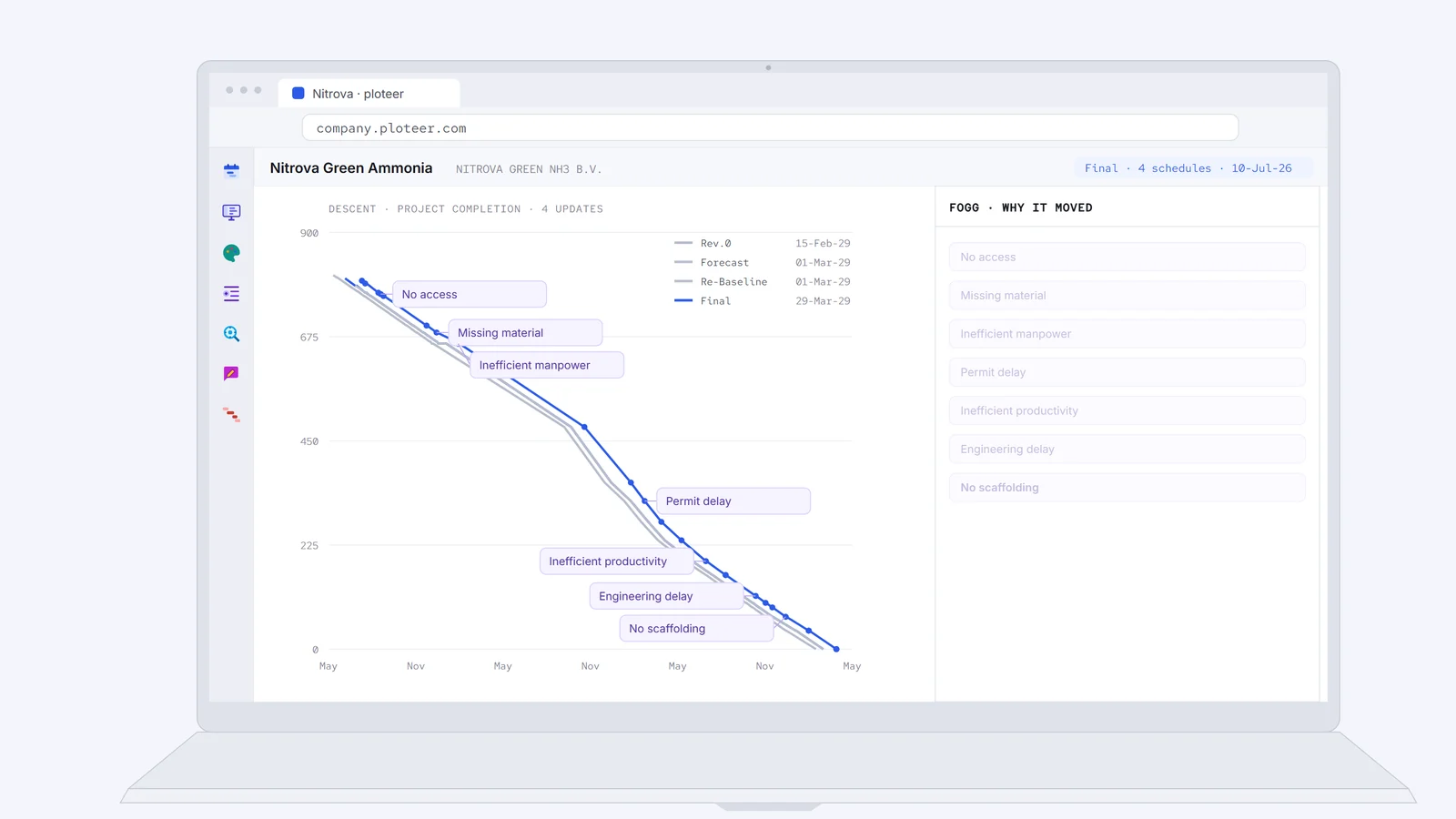
Fogg writes the account in the voice the reader needs: short as a brief, full as a story, or with the evidence laid out, update by update.
Then the path. Explaining the original driving path and every revision of it by hand is a huge effort, and even then it is hard to show. Here the path replays, one version at a time. Where it changed, the note is already there: this activity was delayed, it took over the driving, and this is why. Everyone sees the path change on the date it changed.
An extension of time is not only requested. It is reviewed, and it is challenged. ploteer serves all three the same way. It shows what the schedules said, at every update. Where the history supports the claim, it shows. Where it does not, that shows too.
The contract sets the rules: an extension of time under FIDIC Clause 8 with the claim notice under Clause 20, a compensation event under NEC, termijnverlenging under § 8 of the UAV 2012 or § 44 of the UAV-GC 2005. The profession sets the method: the SCL Delay and Disruption Protocol, AACE International 29R-03 on forensic schedule analysis, time impact analysis, windows analysis. All of them ask for the same thing first: records made at the time, and the schedule (programme) as it stood at every update. That is what ploteer keeps. It speaks the vocabulary of these standards, so what it shows reads the same to both parties.
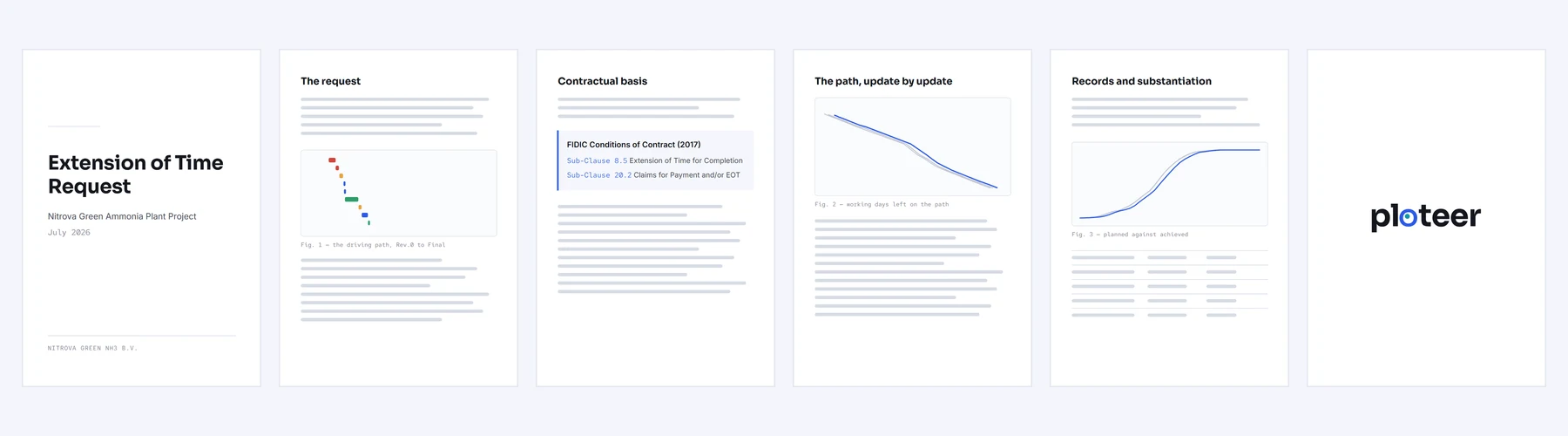
And when the claim comes, everybody reads: the planner, the project manager, the construction manager, and most of all the contract and subcontract managers, leads and administrators. Few of them read a Gantt. They see the visuals and read Fogg, in plain words, with the dates beside them.
The story of the delays is in the updates. ploteer reads it and writes the dossier.
Let us meet for the demo.
Book a demo